

Airbnb meets Uber
Freelancing — for property jobs.
Hosts post what the short-term rental needs. Nearby freelancers claim the work, prove it with photos, and get paid — with privacy and payment rules built into every step.
Money path
Follow the dollar through a job.
Tap each step — no fee calculator, just when money locks, moves, and pays out.
Step 1 of 5
Set the price
Host names it — or opens for offers.
The job price is the shared basis for both sides. Fixed amount, or open for offers and counters with a full revision history.
Create an accountHost side
You set what the job is worth.
Provider side
You see the price (or bid) before you commit.
Same job · two lenses
Flip the mirror.
One job, two overlays. Switch role — then tap a line to see what it means for you.
Viewing as
Host / customer





End-to-end timeline
1. Host saves a property
Name, address, type, and notes live on the property. Door codes, lockbox, Wi‑Fi, and emergency notes live in a separate access record.
2. Host posts a job
Wizard: property → service subcategory → description → timing → fixed price or offers → urgency (normal, priority, emergency).
3. Nearby freelancers see an approximate job
Feed shows title, category, city/state, distance, timing, and price. Street address and access stay hidden.
4. Offers and counters
Earners make offers. Hosts or earners can counter. Every revision is stored. The first offer moves the job to receiving offers.
5. Host selects a provider
Other offers are rejected. An assignment locks the agreed price. Job moves toward payment pending.
6. Payment is secured
Host pays job price plus customer service fee from the market fee config. UI says Payment secured only after the charge succeeds — never before.
7. Access unlocks
Only the hired provider (and the host) can read PropertyAccess. Exact address is available for the active assignment.
8. Work is executed with proof
Provider marks en route, arrived, in progress, and completion. Before/after photos and checklist items document the work.
9. Host approves · payout · reviews
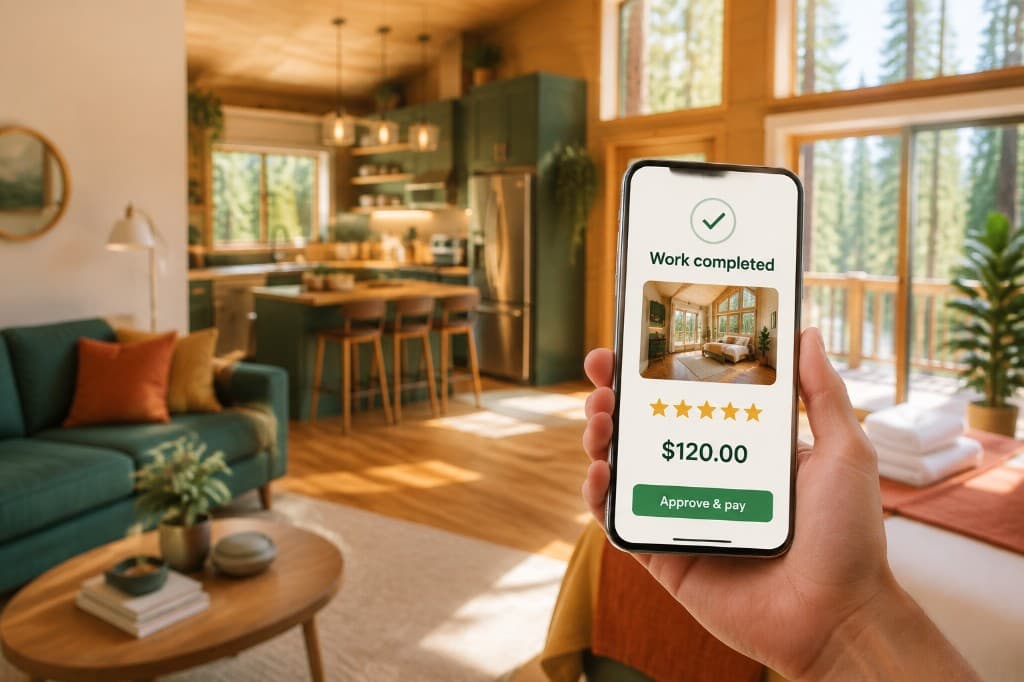
Approval completes the job. Provider payout becomes eligible. Both sides can leave reviews. Disputes and refunds are available when needed.
Roles at a glance
Host / customer
Properties, jobs, offers, payment, access control, approval, reviews, disputes.
Host guideEarner / freelancer
Feed, offers, active work status, media proof, earnings, Connect onboarding, verification docs — first freelancing for STR services.
Earn guidePlatform admin
Users, jobs, disputes, verification review, refunds, and audit trail for oversight.
Sign inFAQ
Common questions about how TaskPine works.
No. Think Airbnb + Uber for STR services: you post work at a property; nearby freelancers offer on that job.
After you hire them and payment is secured for the assignment. Until then they see approximate location only.
Funds are charged and held on the TaskPine platform until you approve completion. We do not use the word escrow in the product UI.
Yes. One account, switch between customer and earner modes. No second login.
Nationally. Markets and categories are admin-configurable so coverage expands by region while the product stays the same.
Yes. TaskPine is built as a first freelancing path for short-term rental services — side income or your first gigs — not only for established companies.
Badges appear only when verification, insurance, or license records are marked verified by the platform. No fake badges.
Pinecones are TaskPine rewards you collect from normal platform activity — posting jobs, completing work, reviews, and invites. Stack them and redeem for credits, essentials, and perks.
After the host approves completion, payout becomes eligible through Stripe Connect. Timing to your bank depends on your Connect account setup.
Either party can open a dispute from the job. TaskPine reviews messages, photos, and the timeline before any refund or adjustment — nothing is handled in a lost text thread.